

Your business card, on their phone.
Hold the Pogy NFC card near a phone or let them scan its QR code. Your profile opens with your contact details, WhatsApp and links.

Example profile: your contact details and links on their phone.
- No app needed
- No subscription
- Editable profile

They keep your contact details. You keep your card.
Tap or scan.
They hold their phone near the card. Without NFC, they scan the QR code on the back.
Your profile opens.
After tapping the notification or link, they see your name, business and the buttons you chose.
They choose how to contact you.
WhatsApp, calls, your website or social accounts. To keep your details, they open the contact file and confirm saving it.
NFC: iPhone XR/XS and newer, Android with NFC enabled. Otherwise, use the QR code. An internet connection is needed to open the profile.
Set up your card when it arrives.
No account to create.
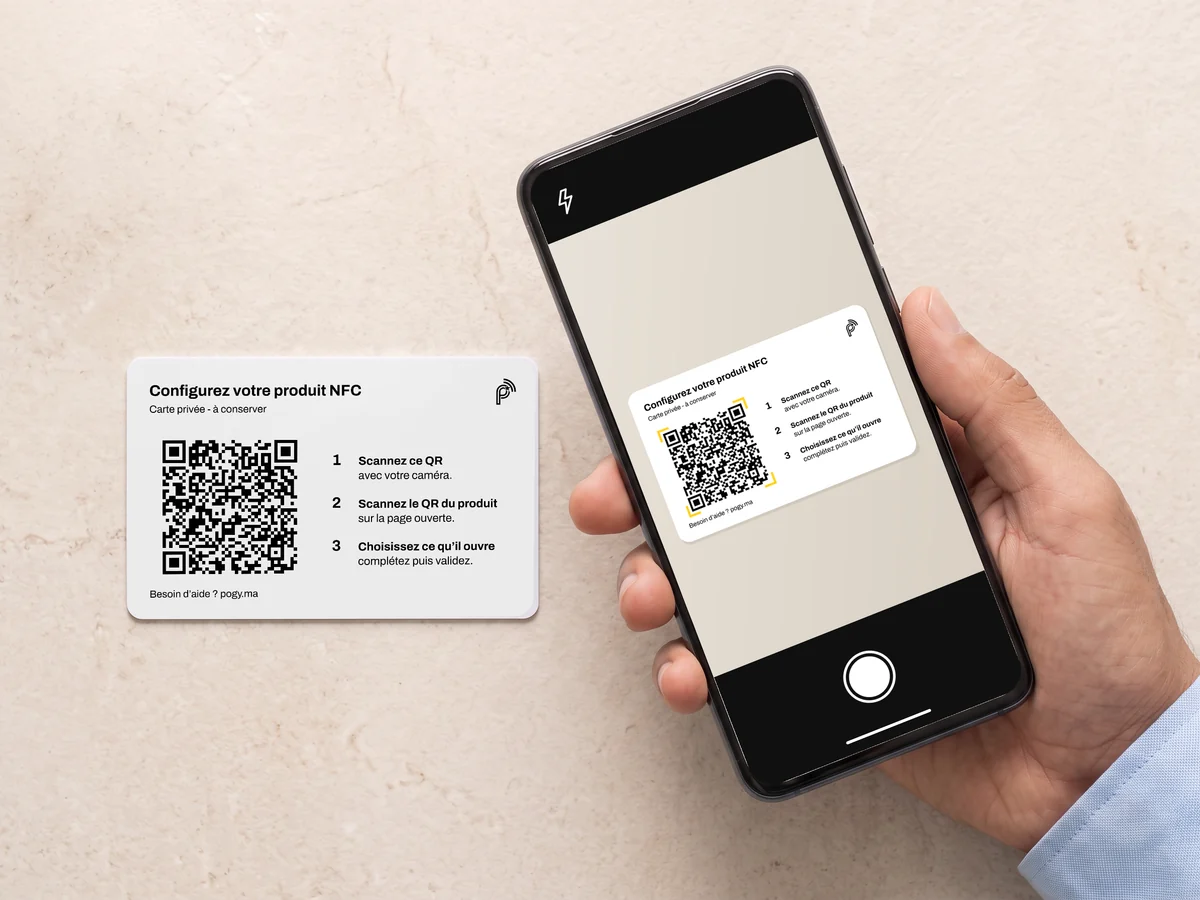
Scan your configuration card.
Use your phone’s camera.
Included with your NFC card. Keep it to update your details.
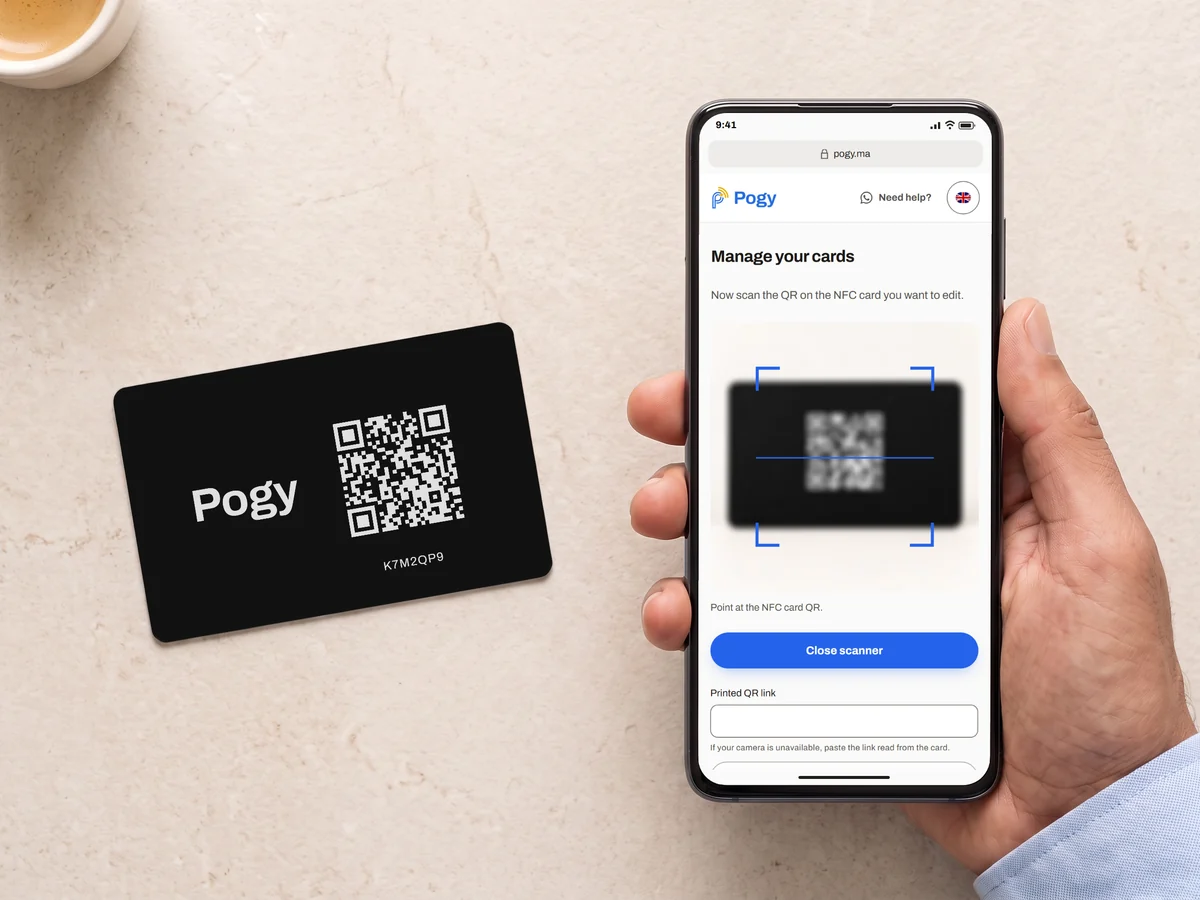
Scan the QR on your NFC card.
Use the scanner on the page that opens.
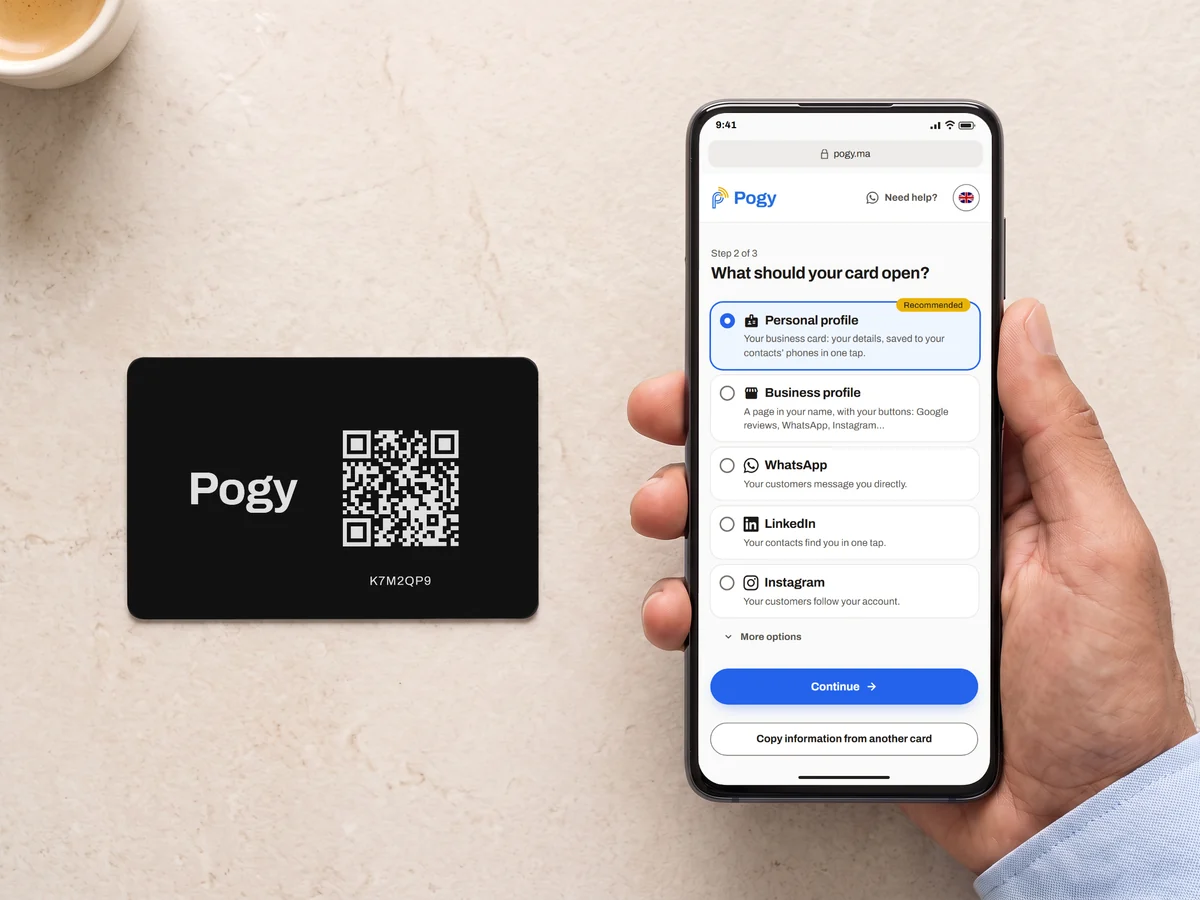
Choose what your card opens.
Personal or business profile, WhatsApp, Instagram…


Frequently asked questions
Which phones can read the card?
Where does my name appear?
What can my profile show?
Can I update my details?
Do I give my card to each person?
Is an Internet connection required?
Is there a subscription?
Delivery time and cost?
Ready for your next introduction?
Choose your pack, enter your address and pay on delivery.
Order · 199 MADWhatsApp · Mon.–Sat., 9 am–7 pm.